What’s up at LowPowerLab?

Haven’t had much time to blog lately, too much stuff going on all fronts. That’s not to say LowPowerLab is idle, no no…. On the contrary the shop is keeping me busy and I have a few new projects I am working on. I am trying to bring a few kits to fruition.

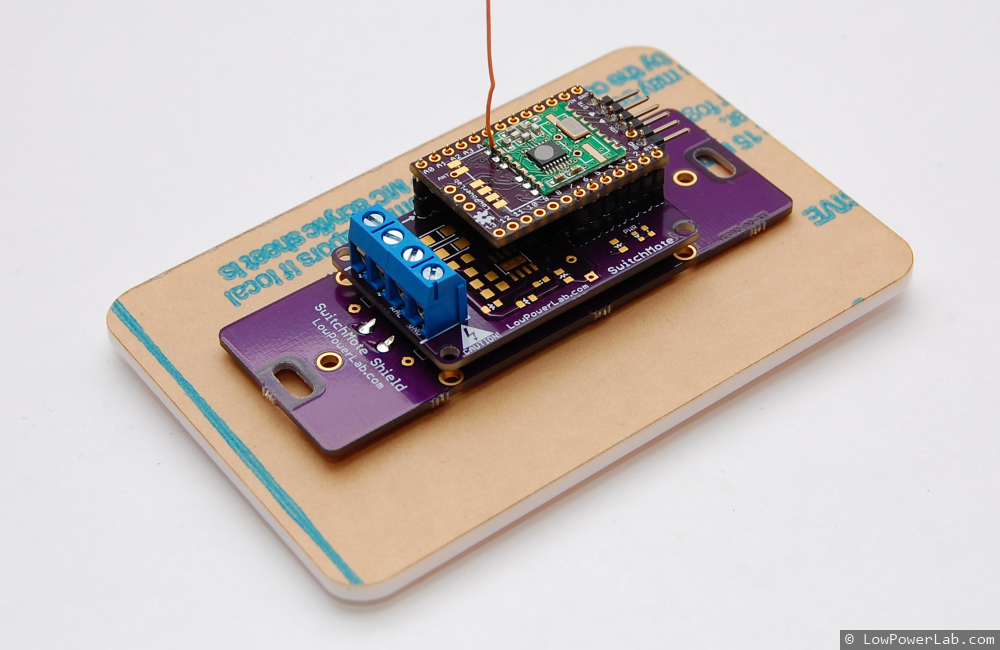
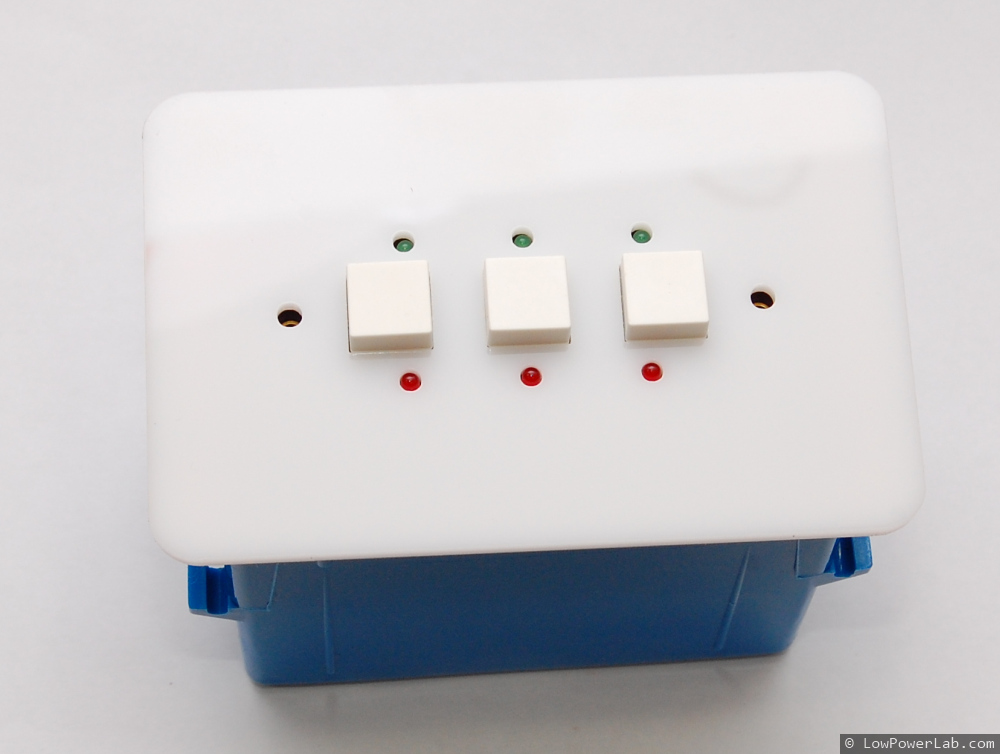
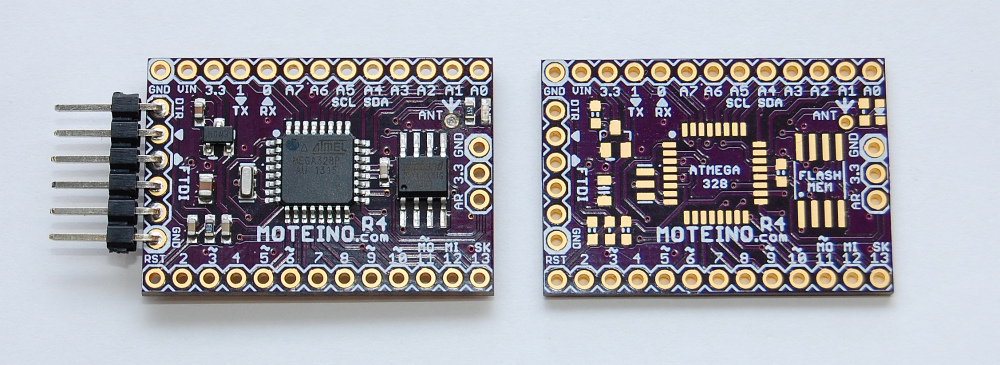
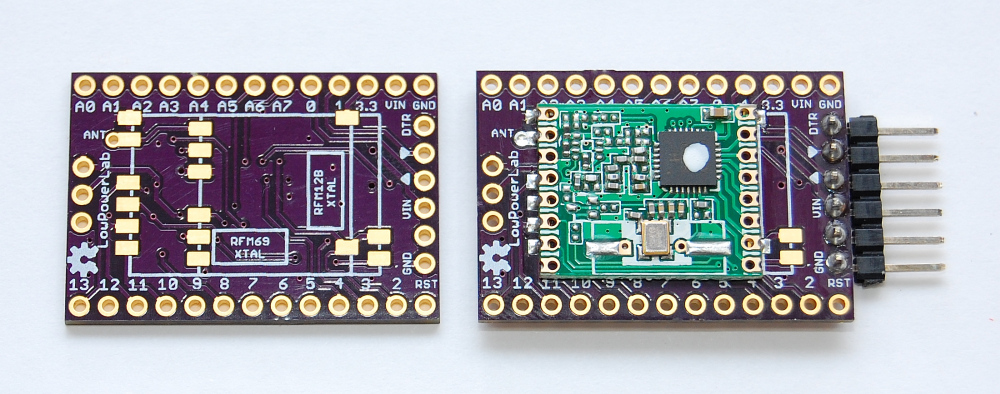
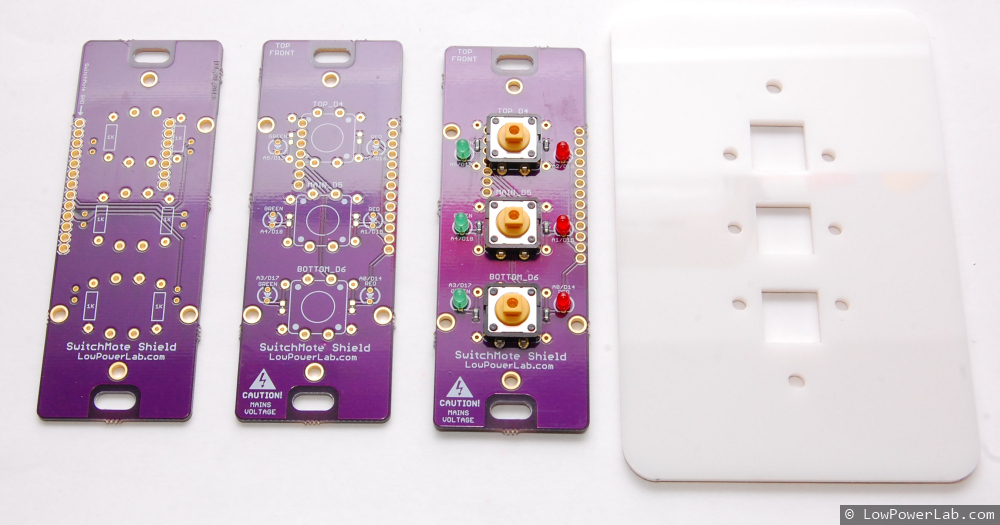
First and foremost I’ve spent a lot of time developing an integrated solution for SwitchMote. I want this thing to come to life and just be awesome, I think I’ve spent way too much time on it to just let it die. I now have another prototype including a shield with 3 user buttons and 2 LEDs per button, which can all be used in any way, or left unpopulated if only 2 or 1 buttons are desired for a light switch. The point of having multiple buttons is being able to control or synch with other SwitchMotes or … do anything else you want like say … interact with GarageMote. I’ve managed to get a cover plate also that will be mounted on the wall to cover the switch box. I used the same diffused white I laser cut for the MotionMote project. I like that diffused white a lot, but there’s many possible colors on inventables.com to choose from. For now I am continuing to develop this project, write code, adding some basic mains protection and getting all the physical engineering of this thing right. So far I’m pretty happy, it’s a pretty good improvement over the first prototype I had:
Continue reading →

So you can’t afford a $200 lightbox?

I’m going to try to break the blog silence with something worthwhile your precious reading time, my dear reader. There’s much to blog about and what’s going on at LowPowerLab but for now something simple.

I like to take nice pictures, it’s like giving candy to the eye. Because the images convey presentation. And good presentation is a paradigm of quality. Look at a good blog with crappy pictures – you will read but won’t be terribly impressed, right? Look at a less an average blog with great pictures and you will instantly follow it.

Until recently I took all the blog pictures on my white work desk but lately that’s gotten dirty from all the stuff I do on it but I’m too lazy to get everything off and add a coat of white paint, that’s for another day when I’m awfully bored. So I started using blank sheets of paper under the subject, that worked pretty nicely, but every shot took a few minutes to setup and get the right light and angle on the tripod so the light wouldn’t bounce too much off the ceiling etc, what a paaaain 8-( … OK – so looking around the web yields the typical results you will find on any product – cheapo lightboxes made of fabric, for around $30-$50, the nicer ones are $100-$200 or even more. I like to spend the extra buck on the nicer thing, but finding it impossible to spend that much on something as simple as a light box I thought – doh … how hard can it be to make one? Continue reading →

MotionMote – Moteino motion sensor

I’m calling it MotionMote because it detects motion and because pretty much every type of wireless sensor or Moteino node name ends in “mote“. The possibilities for home security are endless, put this little guy in a corner near a door or on top of a cabinet somewhere and detect them intrudaz! Did I say there’s no wires?
Read on for details and source code and case design.

Continue reading →

Wireless programming patches

Some users have reported having trouble with wireless programming so I have made some changes to the Wireless Programming libraries and the examples included in the RFM12B lib examples and the RFM69 lib examples.

They are mostly tweaks, bug fixes and simplifications of the sample code. Hopefully things will be smoother now. As always, please let me know if the libs are not performing and I will do my best to patch the code and fix the bugs.

DIY beverage can stencil method in Popular Science!

So guess what … the soda can stencil method is in November 2013’s edition of Popular Science magazine!

The article only summarizes the process of making the stencils, pointing to a URL where there are more details:

Well great, if it made it that far it means some people think it’s cool. Judging from the feedback I got so far from emails and other venues I had mixed feelings about it, being a bit involved, even though it really is a great method once you get the hang of it – and I’ve made many stencils with this method, the advantages being that it’s dirt cheap and it gives you a high quality *metal* stencil in 30 minutes, one that will outlive your PCB revision and will still be practically brand new with very little visible wear.

Continue reading →

Switching mains/lights with Moteino

Here’s a peek at another project I’ve been working on lately, SwitchMote. It’s a compact shield for Moteino that has a mains switching power supply and a solid state relay to drive a mains load. I’ve designed this to work for lights. The idea is to replace a single regular light switch with this so that I could control lights from the home-automation controller, while allowing it to be operated manually as well. An LED indicates the status of the light/load (LED on when light off).

Continue reading →

RaspberryPi home automation gateway – Hardware and Demo

UPDATE: An updated version of this gateway install guide is published here. The rest of this post is kept here for legacy purposes, some links to source files might be obsolete or not work any longer, please see the linked guide above for the latest code and walkthrough.

In this last part of the RaspberyPi home automation gateway series I will show an example of hardware implementation that talks to the RaspberryPi secured realtime home automation gateway, and share the firmware source code.

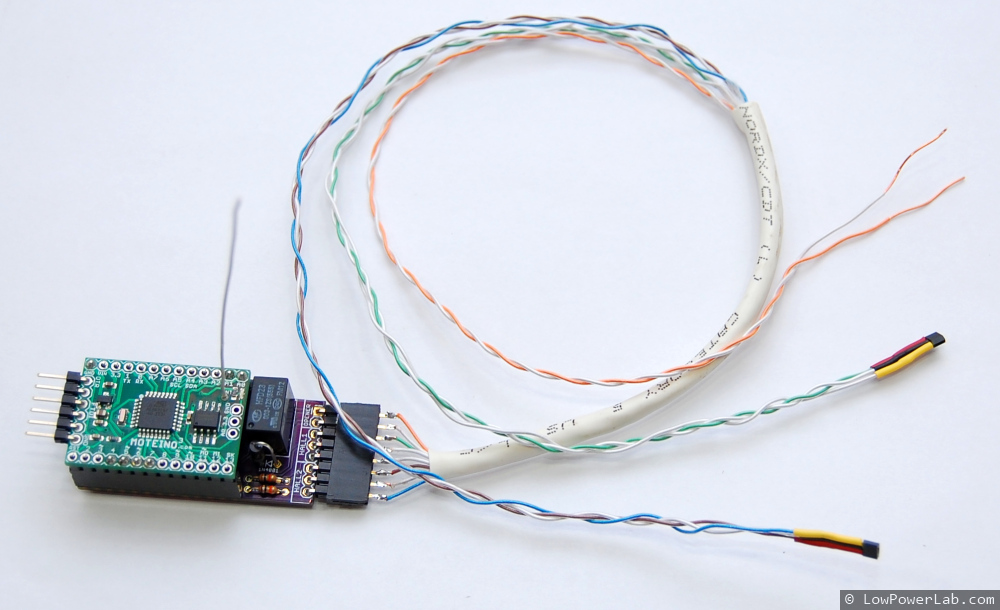
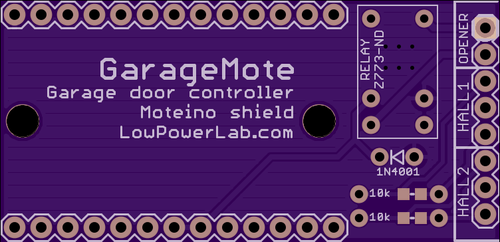
GarageMote is a garage door controller shield that can be used to remotely control a garage door from anywhere on the web or from your smartphone.

GarageMote was created for several reasons. Mainly because as I’m adding more Moteino based home automation devices around my property, one of the nice things I wanted to be able to do is control the garage door remotely. It’s become so routine to close the garage door when I leave from home that sometimes when I’m already 5 or 10 minutes away I wonder if I actually closed it. And so I want to be able to check the door status and close it if it was left open by mistake, without having to drive back home. Or maybe it’s useful to be able to let someone in without giving them the garage code every time.

Continue reading →

RaspberryPi home automation gateway – Setup

In this third part of the RaspberyPi home automation gateway series I’d like to present the RaspberryPi software stack that will allow a secured realtime webserver-websocket gateway to your home automation project.

As a webserver I decided to try Nginx. I’ve previously used Apache which always felt a bit slugish and had a large disk and memory footprint. There are many bechmarks that contrast webservers performance, here’s a nice one that focuses on RaspberryPi, and it includes Nginx and Apache.

The stack will be a webserver (Nginx) and a websocket server (Socket.io). The websocket will be proxied through Nginx, and everything will be encrypted with SSL and authenticated with auth_basic. A bunch of other things need to be setup and configured to make these work nicely together. Continue reading →

RaspberryPi home automation gateway – Approach

In the previous part of this post I described the conceptual high altitude picture of a secured, realtime home automation gateway. In this part I will go into more detail and show some of the issues I’ve faced and and solutions to address them.

First, the webserver had to be put behind a mandatory SSL connection. All incoming HTTP port 80 traffic would be permanently redirected to secure sockets layer port 443. That was pretty easy with a self signed SSL certificate and some webserver configuration. Then HTTP basic authentication was put in place so that users would first need to be authenticated before web access would be granted. Again, not too complicated, using a .htaccess file and some changes in the webserver config file. Custom authentication can also be implemented, but for the purpose of this tutorial basic auth is good enough.

Now to the harder part. I wanted the websocket server as a separate entity from the main webserver. Several reasons for that, but mainly because of scaling and I like to keep separation of concerns and have a modular design. That exposes several issues. Continue reading →