Moteino wireless programming source code

I managed to put together a library and refactor the code that I used to achieve Moteino wireless programming.

There’s a new WirelessHEX file in the SPIFlash library. There are new WirelessHEX classes for RFM12B and RFM69W/HW transceivers. These files contain helper code that handles the new sketch over-the-air transmission for both the transmitting and receiving ends. It will increase your sketch size by a few KB, that is just an unavoidable tradeoff.

The target node that is to be wirelessly reprogrammed will need to have code to listen for a potential new sketch. I uploaded the example sketch along with everything else to the RFM12B library examples.

The gateway node sketch, target node sketch, python script that passes the HEX file to gateway node are all located here: 

https://github.com/LowPowerLab/WirelessProgramming

The custom DualOptiboot bootloader allowing the reflashing with the sketch stored on the external SPI FLASH memory chip is here: https://github.com/LowPowerLab/DualOptiboot
I managed to keep the size just under 1k. So in the future Moteinos will probably ship All Moteinos (R2 and R3) are now shipping with this bootloader to allow for potential wireless reprogramming if you also have the FLASH chip onboard the target mote.

I would call this an alpha release even though it works pretty well. Sometimes it’s a hit or miss because of the delays I’ve set in python. Those could be refactored and code improved to be smarter about initial requests for a sketch transmission. But it seems in most cases it works the first try.

Further improvements are:

  • increase speed of transmission
  • test with larger sketches
  • refactor python script, WirelessHEX library and gateway/target node sketches

I’ll try to keep up with changes and updates. Right now I have no idea if anyone will find this useful or not.

SPIFlash memory library for Arduino/Moteino

I posted the SPIFlash library I was talking about in previous posts. I have not found a convenient library for that purpose hence this library written by myself.

Get it at my Github repository: http://github.com/LowPowerLab/SPIFlash
Also added a basic usage example under the library.

The All-About-Moteino page describes how you can add a flash chip to your Moteino or even to your Arduino. To access this chip you will need a library such as this one to conveniently read or write bytes to the chip. I would recommend getting used to the chip itself by doing some reading in the datasheet of the chip you are using – there are some particularities as to how these chips work. The library attemps to abstract most of these things so you don’t have to worry about them. At the very least please read the comments in the code for now. Soon I will hopefully add more info and tutorials. Stay tuned for the complete solution code for wireless/in-field programming of Arduino/Moteino using this library. I am working to get all that code organized and posted on this blog.

Wireless programming step 2: SUCCESS!

It works! I was able to reprogram a remote Moteino over the air with a blinky sketch!

Definitely not a ground breaking achievement, but it really felt like “Hello World” all over again! 🙂

I didn’t expect to overcome this so soon but I managed to get past what I thought would be the biggest hurdle: customizing Optiboot for wireless programming. Actually it’s just reading the new flash image from the external flash chip and transferring it into the internal flash memory. The “wireless” part happens in Step 1. Continue reading →

Wireless programming step 1: SUCCESS!

UPDATE: See Step 2 for actual results.

Well, the title may sound somewhat misleading. But read on. After many days/hours of trial and error I was finally able to validate and transmit an intel HEX flash image to a remote Moteino, which stores it on an external SPI flash chip (soldered to the new SPI Flash footprint available on all Moteino R2s). This is the first step towards wireless programming, and probably the easier step.

Moteino_R2_withFlash

I really hate to write bits and pieces of an unfinished solution and keep the readers in suspense/anticipation of what’s coming next (I see there’s a trend for this on some blogs, to increase blog hits and keep users “hooked”), but I think the wireless programming endeavor is rather long and complicated. Yesterday I achieved what I long wanted, to get a new sketch wirelessly transmitted and stored on a remote Moteino, for later interception and reprogramming through a custom bootloader.

For those unfamiliar with a HEX file, it’s the file generated by your Arduino sketch, and then uploaded to your Arduino/Moteino when you click “Upload”. It all happens behind the scenes and through the attached FTDI adapter. It’s a complex protocol that involves a handful of moving parts. The most important is the bootloader which lives on your Arduino/Moteino, which must be able to intercept the “Hey here’s a new program for you!” request and start re-programming the internal flash memory. But for all this you need wires!

Wireless programming of your Arduino/Moteino is useful when you have nodes sitting in trees, on top of your house, in your attic, underwater, underground, inside sealed enclosures, generally where it’s very hard to physically reach once you have a node deployed.

Continue reading →

Quick update: Moteino back in stock

A new revision of Moteino is back in stock. Parts and PCBs finally arrived after a long delay which was out of my control. I should be able to fulfill the preorders in 1-2 days and then be able to ship new orders.

DSC_0201

There are 2 obvious changes to Moteino:

  • they are now Green
  • they contain a new footprint that can be used to solder Atmel serial FLASH memory. This can be handy for data logging and/or other interesting applications that I have in mind for Moteino in the near future.

I also have the 915Mhz version of the RFM12B radio in stock. I have done some testing and was very surprised to see this radio performs just as well or better in certain circumstances. The 434Mhz version still seems to have a slight advantage in penetrating obstacles.

Stay tuned for updates on these changes, and more on the 915 vs 434 frequencies.

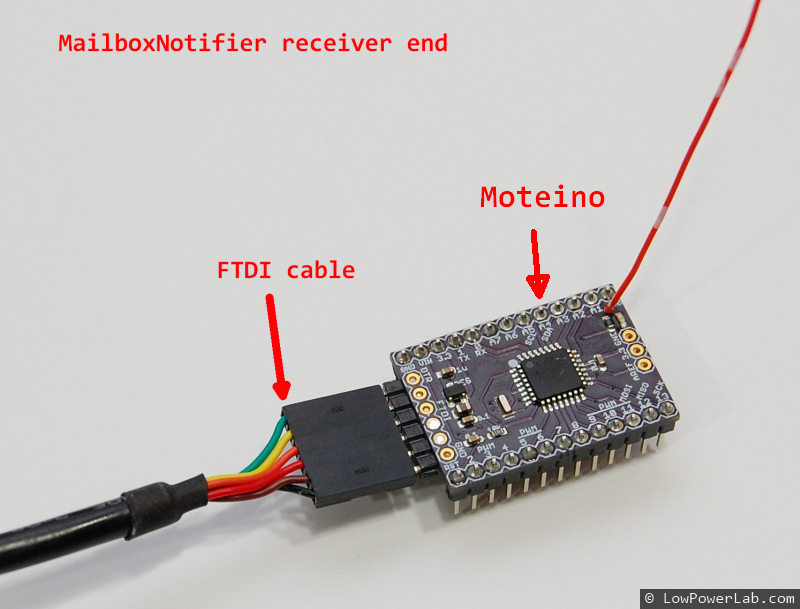
MailboxNotifier – Moteino based mail event notifier

For a few weeks I kept tweaking and playing around with my new mailbox event notifier, based on Moteino. It all started as a joke, then when I saw it actually works, I decided to beef it up and do a writeup and a video:

UPDATED hardware for this project: I modified the circuit and added an enclosure and battery voltage readings. Also a standalone LCD receiver. More details here. The rest of this post is for reference only, you should follow the details in the new post.

UPDATED Schematic: For stability you should add a 10K pull-up resistor between the OUTPUT and POWER pins of the hall effect sensor. I omitted that in the video and added that later. Also a battery POWER switch is very helpful. You should always disconnect POWER from the battery when you try to load the program to Moteino using your FTDI adapter!

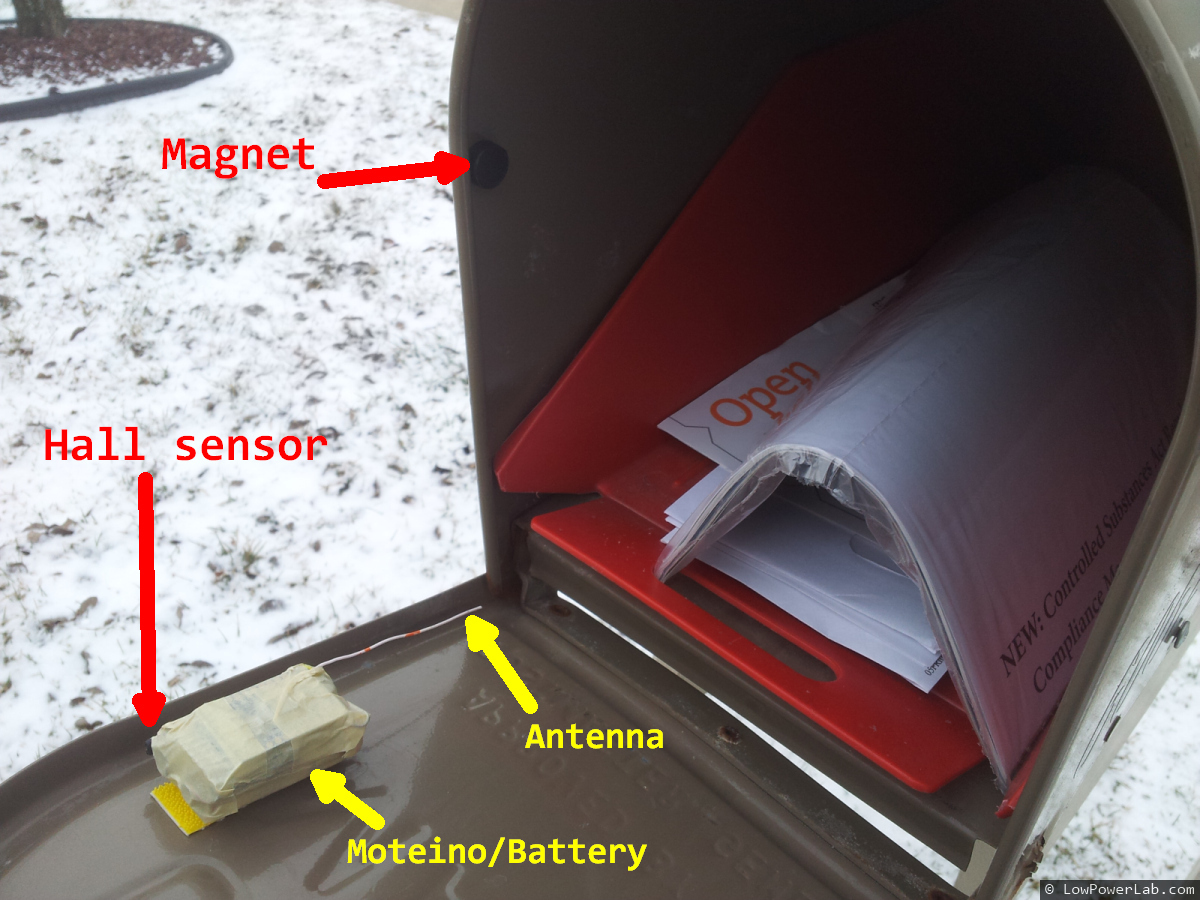
The details are simple. A hall effect sensor detects a magnetic field from an earth magnet. The earth magnet is placed inside the mailbox, while the Moteino/sensor/battery pack sits on the door. When the door is opened, the magnetic field is interrupted, the sensor flips state and the Moteino sends a “DOOR OPEN” message, or “DOOR CLOSED” when it’s closed.

The hall sensor uses ~2.5mA of power which is a lot for low power battery operation. So I added a 2N3904 NPN transistor (driven from a digital pin through a 2K resistor) to switch the sensor off when it’s not being used. When I need to read the hall sensor, I just turn on the transistor, read the sensor value, then turn it back off. That brings the total power consumption down to to an average of about 60uA, so the 9V battery should last a long time. To save power overall, the Moteino “sleeps” most of the time and only checks for events every 250ms using an interrupt timer. Every ~5s it reports when the mailbox door was last opened and last closed. This way I can distinguish between these 2 events and tell if the door was left open , or if someone else is messing with my mailbox.

The receiver simply runs my RFM12B receiver sketch. It passes incomming messages through to the serial output. I can capture that on a PC or a RaspberryPi, running a python script which sends me an email or SMS message when a DOOR-OPEN message is received. This works great. To send an SMS, I simply send an email to my cell carrier sms  mailbox, in my case that is [email protected]

The python code to send an email/sms from python, and the arduino sketches that run on the sensor side and receiver are in my GitHub repository.

10 _ updated_

RFM12B air transmission speed calculator

I uploaded an excel spreadsheet on Github with a table of achievable air transmission rates for the RFM12B radios, including code instructions for my RFM12B library.

You can tweak these to achieve better range or better penetration. It’s hard for me to provide specifics since in my case the default 38kbps works well. This guy on the jeelabs forum achieved much better reception by lowering the kbps to ~9kbps in his environment.

If you use this and get interesting results, I’d love to hear about it.

rfm12b_air_speeds

Moteino sold out!

The first Moteino batch has just sold out!

Not too bad for 5 days since the store launch.

I ordered another PCB batch and more Moteinos are expected to be ready for shipping on Monday  (Feb-18). Until then you can pre-order if you wish or just wait for more updates.

Thanks everyone for all the comments and support!