Moteino controlled CNC mills Stencil8 tooling block!

If you’re wondering why the blog is so inactive lately it’s because there’s lots going on at Low Power Lab, and so not much time for blogging unfortunately.

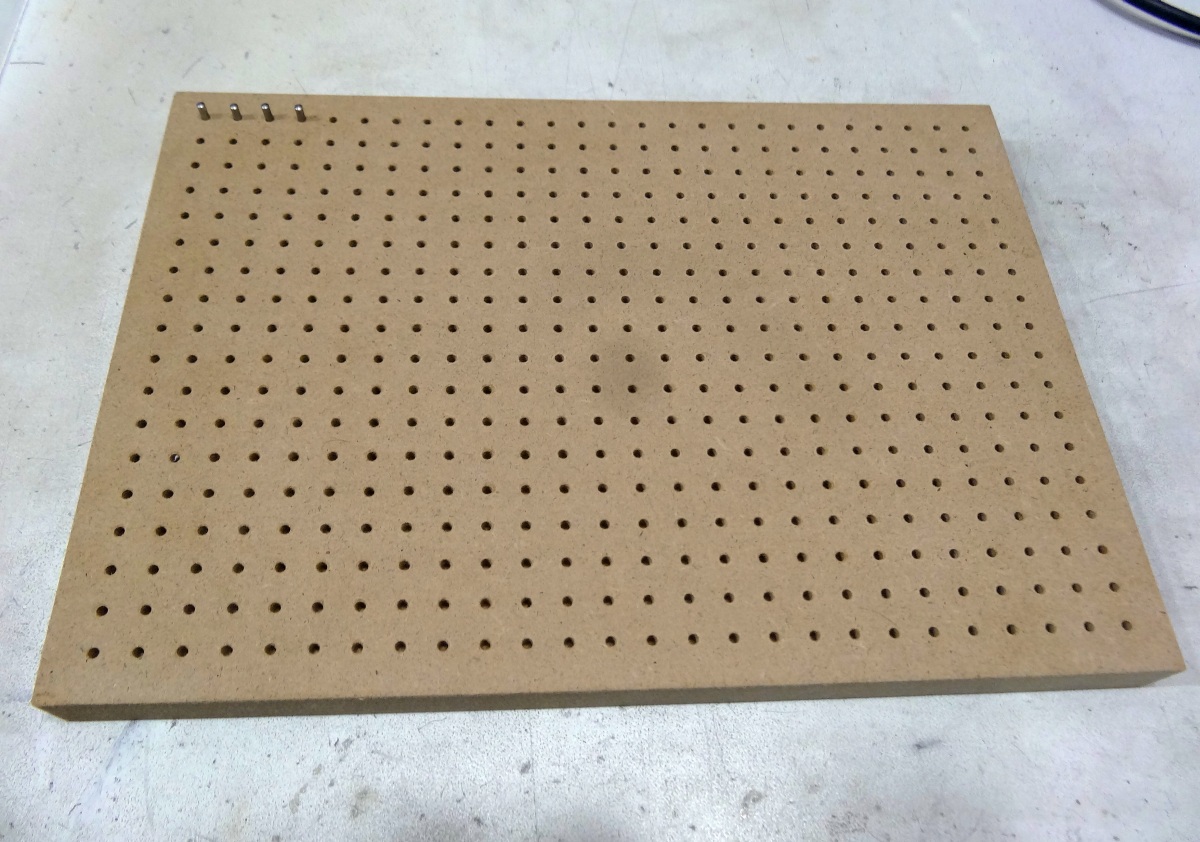
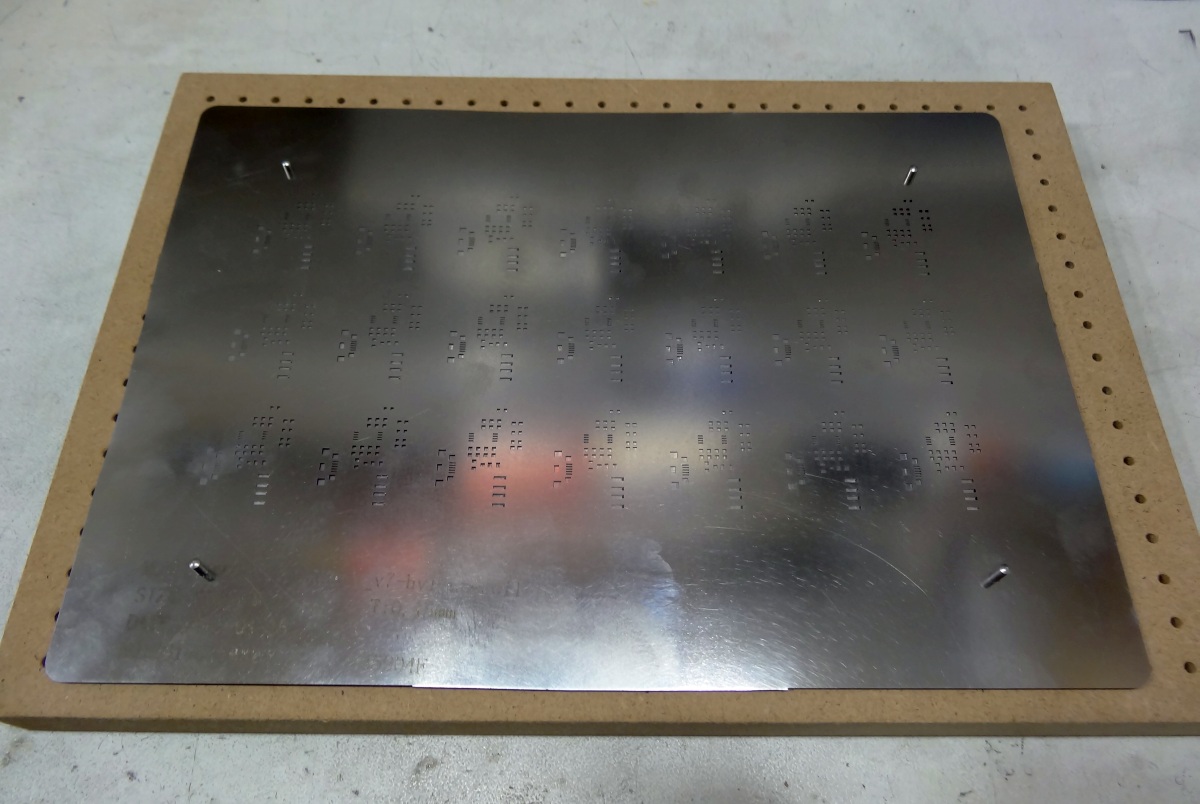
But among other cool things, I wanted to show a side project that I’ve had implemented with the help of a friend who has a CNC. I wanted to try a tooling block for the Stencil8 system for PCB-stencil alignment and paste application. Having this type of tooling block makes it easy when you get a new stencil.

Instead of just getting myself a tooling block made I got a whole lot more. I never thought a Moteino could run GRBL and actually control the CNC, but it turns out it can!
So the first attempt is a Stencil8 tooling block (really .. just a NxNcm grid of 2.5mm holes with top chamfers), made of MDF. You can get yourself an ALuminum one from here, but I thought I’d try MDF since it should work fine in most conditions. Yeah, I know AL is much more dimensionally stable with temperature/humidity changes, but it’s dry and cool in my shop. Milling AL takes much longer and is messier.
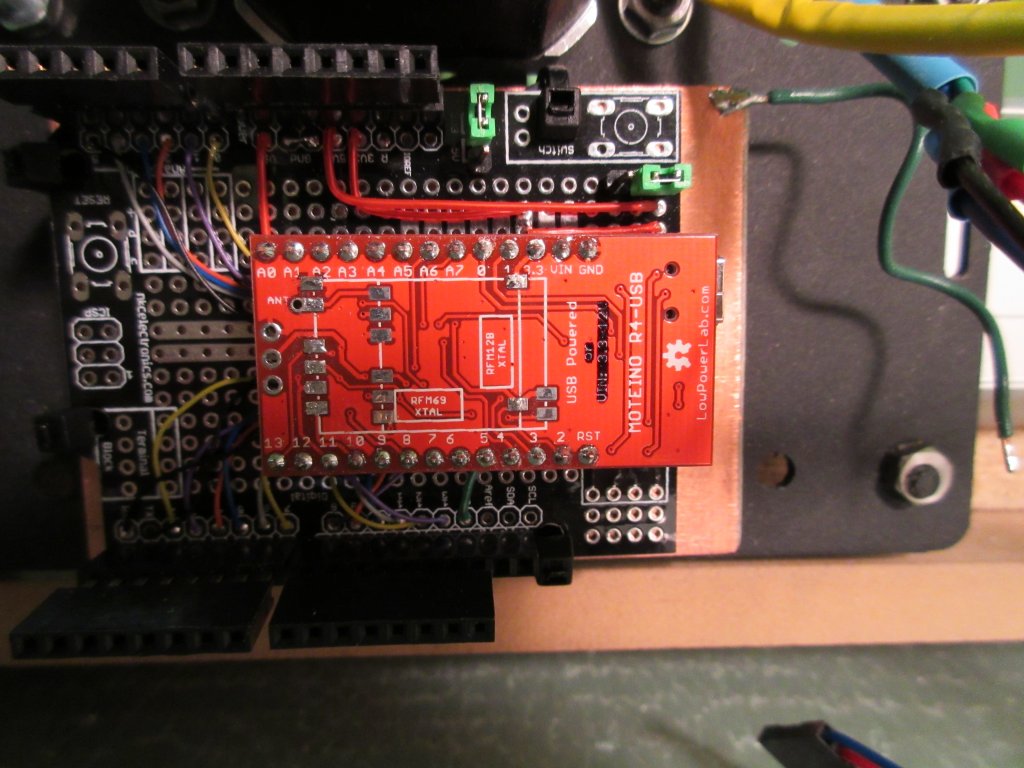
The exciting news is that Moteino is powerful enough to run GRBL and control a CNC:

Check out the video below for some CNC action, milling Low Power Lab in MDF:
Wireless programming a SwitchMote Moteino

I’m close to being done coding the SwitchMote, I think the code will be released tomorrow. I’ve been testing the code on the SwitchMote here in the lab because I can physically interact with the buttons on it. Needless to say, every time I want to upload the new firmware I cannot disconnect the breaker, unscrew the wall plate and the mains wiring, detach the unit from the wall to be able to upload through FTDI, that would be awful.

Enter wireless, over the air, magic, programming of Moteinos.
I’ll just say that it comes in very handy when your project is in the wall!

I’ll cut this short and let you watch how it happens, too bad the flashing LED is not very visible on the video while upload is in progress:

One note to mention is that I’ve recently patched the wireless programming library to shift frequency up by 8Mhz during upload so the heavy RF traffic would interfere less with the rest of the network packets. Also I added an option to use another LED to be flashed during upload – handy for SwitchMote which has a bunch of LEDs on the front panel which are all on other pins than the default D9. I’m also planning to experiment with increasing the bitrate during the upload, maybe double it, and see how much faster and reliable that is. But that might prove tricky since several other settings depend on that, so all settings have to be changed back to what they were after the upload is complete.

SwitchMote project update and demo

I put together a quick video to show the progress of SwitchMote and a simple demonstration of how it works and how it can be used in home automation. My goal is to offer a smart wireless light switch controller that allows syncronization with other units independently (without the need of a gateway/coordinator) to create light scenes, and increase the usability of a regular light switch.

Continue reading →

Wireless programming patches

Some users have reported having trouble with wireless programming so I have made some changes to the Wireless Programming libraries and the examples included in the RFM12B lib examples and the RFM69 lib examples.

They are mostly tweaks, bug fixes and simplifications of the sample code. Hopefully things will be smoother now. As always, please let me know if the libs are not performing and I will do my best to patch the code and fix the bugs.

Switching mains/lights with Moteino

Here’s a peek at another project I’ve been working on lately, SwitchMote. It’s a compact shield for Moteino that has a mains switching power supply and a solid state relay to drive a mains load. I’ve designed this to work for lights. The idea is to replace a single regular light switch with this so that I could control lights from the home-automation controller, while allowing it to be operated manually as well. An LED indicates the status of the light/load (LED on when light off).

Continue reading →

RaspberryPi home automation gateway – Hardware and Demo

UPDATE: An updated version of this gateway install guide is published here. The rest of this post is kept here for legacy purposes, some links to source files might be obsolete or not work any longer, please see the linked guide above for the latest code and walkthrough.

In this last part of the RaspberyPi home automation gateway series I will show an example of hardware implementation that talks to the RaspberryPi secured realtime home automation gateway, and share the firmware source code.

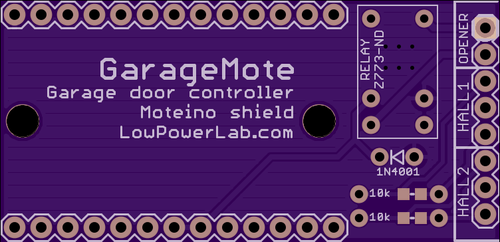
GarageMote is a garage door controller shield that can be used to remotely control a garage door from anywhere on the web or from your smartphone.

GarageMote was created for several reasons. Mainly because as I’m adding more Moteino based home automation devices around my property, one of the nice things I wanted to be able to do is control the garage door remotely. It’s become so routine to close the garage door when I leave from home that sometimes when I’m already 5 or 10 minutes away I wonder if I actually closed it. And so I want to be able to check the door status and close it if it was left open by mistake, without having to drive back home. Or maybe it’s useful to be able to let someone in without giving them the garage code every time.

Continue reading →

RaspberryPi home automation gateway – Setup

In this third part of the RaspberyPi home automation gateway series I’d like to present the RaspberryPi software stack that will allow a secured realtime webserver-websocket gateway to your home automation project.

As a webserver I decided to try Nginx. I’ve previously used Apache which always felt a bit slugish and had a large disk and memory footprint. There are many bechmarks that contrast webservers performance, here’s a nice one that focuses on RaspberryPi, and it includes Nginx and Apache.

The stack will be a webserver (Nginx) and a websocket server (Socket.io). The websocket will be proxied through Nginx, and everything will be encrypted with SSL and authenticated with auth_basic. A bunch of other things need to be setup and configured to make these work nicely together. Continue reading →

RaspberryPi home automation gateway – Approach

In the previous part of this post I described the conceptual high altitude picture of a secured, realtime home automation gateway. In this part I will go into more detail and show some of the issues I’ve faced and and solutions to address them.

First, the webserver had to be put behind a mandatory SSL connection. All incoming HTTP port 80 traffic would be permanently redirected to secure sockets layer port 443. That was pretty easy with a self signed SSL certificate and some webserver configuration. Then HTTP basic authentication was put in place so that users would first need to be authenticated before web access would be granted. Again, not too complicated, using a .htaccess file and some changes in the webserver config file. Custom authentication can also be implemented, but for the purpose of this tutorial basic auth is good enough.

Now to the harder part. I wanted the websocket server as a separate entity from the main webserver. Several reasons for that, but mainly because of scaling and I like to keep separation of concerns and have a modular design. That exposes several issues. Continue reading →

RaspberryPi home automation gateway – Intro

The title is actually incomplete but didn’t want to make it too long. What I’m about to describe is an initiative on how to put together an encrypted, authenticated, realtime, RaspberryPi powered home automation gateway. It will be a few separate posts that will go from concept to implementation, using a real world example of how to control something in the house. I’ll break it down and explain the big picture and each part that needs to be addressed. But first, a little more background and reasoning behind this effort.

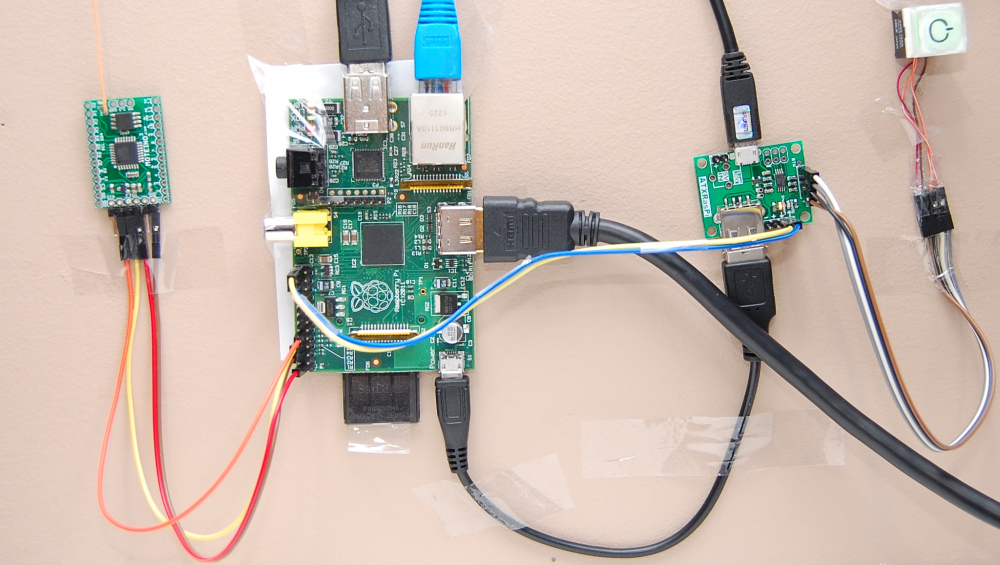
My makeshift home automation gateway

Above you can see my temporary gateway setup. It’s very simple – I have a RaspberryPi powered through an ATXRaspi, and a Moteino which acts as the gateway to my wirelessly controlled house. It’s hard wired to my home router because the wireless adapters are simply junk, not reliable. Also hooked up to a monitor and keyboard.

I’ve seen tons of blogging and articles on how to make something blink, turn a servo or LED on, even do more real things like turn ON lights, change the thermostat or control some household appliance, from your smart phone. All cool and dandy. But almost everyone seems to completely skip security. The blog posts end when the LED or light turns on, and everyone seems to be super excited about the cool thing they just did. But I’m left there with a raised eyebrow wondering if those people know what they are doing. Security is of major concern to me because if I hook up my garage doors, lights and perhaps other appliances to the interwebs, I don’t want unauthorized access. Is that a nobrainer or am I paranoid? Continue reading →